
One address.
Every agent.
One knowledge system.
InQI connects property intelligence, AI agents, and your firm’s knowledge — so every project starts informed and stays connected from site analysis to construction.
Watch InQI read your address
Every agent starts here — with everything your property already tells us.
data points read from every address
verified facts per project
InQI reads up to 2.2 million data points per property and distills them into ~500 verified facts before a single agent runs.
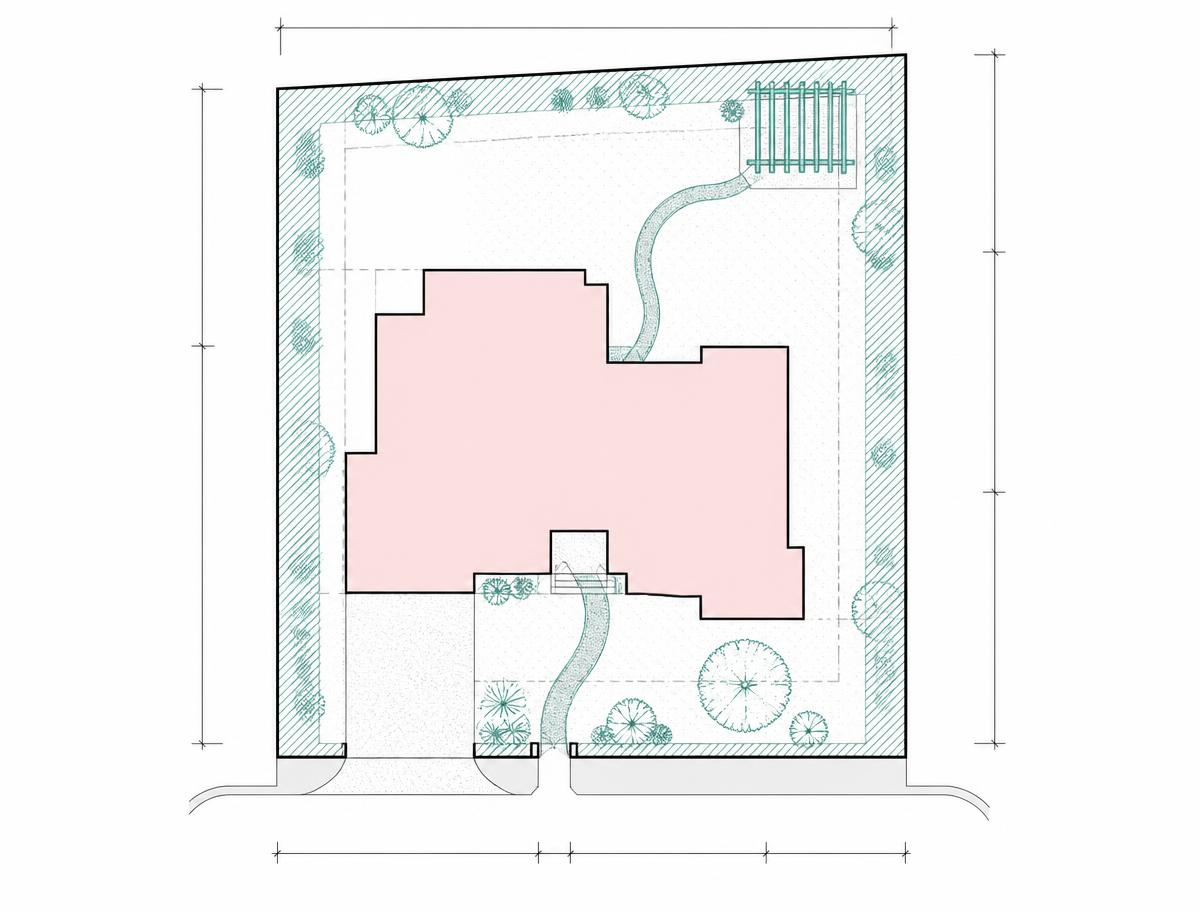
Scaled site plan. In seconds.
Enter an address. Get a scaled, data-backed site plan with boundaries, structures, topography, and surroundings — ready to work from, share, or export.
High-resolution aerial imagery
Up-to-date aerial captures updated up to 4 times a year. Access historical site imagery going back up to 12 years at select locations — see how a site has changed before you ever visit.
Instant generation
From address to full site plan in under 60 seconds. No manual input, no blank canvas.
3D Viewer with sun study
Explore your site in 3D. Run seasonal sun studies — compare summer vs. winter solar angles before any design decision is made.
7 export formats
Site Plan PDF, Screenshot PDF, Vector SVG, CAD DXF, Landscaping Report, Property Report, Aerial Image JPG.
Lives in your project
Every plan ties to your address and saves to your Project Binder — accessible to every agent running on that project.
Where every agent comes together
InQuest is your project workspace — tied to your address, connected to your binders. Ask questions, run agents, get answers that know your project.
Address-aware from the start
Every InQuest session opens knowing your property — parcel data, site plan, binders, and prior agent outputs are all in context before you type a single word.
Codes.IQ Agent — built in
Ask a compliance question and Codes.IQ Agent checks your jurisdiction's requirements instantly. No tab switching, no manual code lookup.
Estimate.IQ Agent — built in
Request a cost estimate and Estimate.IQ Agent reads your drawings, your company pricing, and your practice binder — then returns a line-item breakdown.
Persistent project memory
InQuest doesn't reset between sessions. Every answer, every output, every decision stays tied to your project address — so context compounds over time.
Code compliance. Instant answer.
Ask a compliance question tied to your address. Codes.IQ Agent checks your jurisdiction, reads the relevant code sections, and returns a cited answer — not a guess.
Jurisdiction-aware by default
Codes.IQ Agent knows your city, county, and state the moment you open a project. Your address sets the jurisdiction — no manual input.
Cited answers, not summaries
Every answer links back to the exact code section it referenced — so you can verify, share, and document compliance with confidence.
Setbacks, height limits, ADU rules
Ask about setbacks, FAR, height limits, ADU eligibility, occupancy, fire separation — any zoning or building code question tied to your parcel.
Stays in your project record
Every compliance answer saves inside your InQuest workspace — tied to your address, alongside your site plan, drawings, and estimates.
Your address. Your rates. Your estimate.
Built from your company data — not a generic database.
Estimate.IQ Agent starts with your address.”
Calibrated to your company
Your pricing, your labor rates, your code books, your past wins. Every estimate reflects how your firm actually builds.
Lives inside InQuest
Runs inside your project workspace — compliance, costs, and site data all in one place, tied to your address.
The more you build,
the smarter every agent gets.
Binders are InQI's knowledge layer — structured storage that every agent reads from on every project.
Project Binder
This jobDrawings, photos, site plan, field notes, permits. Everything for this project, tied to this address.
Reference Binder
Your firm's standardsCode books, specs, material details, firm standards. Codes.IQ Agent reads this to check compliance on every project.
Practice Binder
Your company's memoryPast wins, pricing history, labor rates, lessons learned. Estimate.IQ Agent reads this to price every new project.
Every agent reads from your binders.
Every project makes them smarter.
Every photo. Every note.
Anchored to your project.
Media enters InQI two ways — captured in the field via the mobile app, or uploaded directly from your desktop. Either way, it ties to your address and lives in your Project Binder.
From the field
Open InQI Mobile on site. Capture photos, videos, and voice notes — each one automatically tagged to your project address and synced to your Project Binder.
From your desktop
Drag in drawings, PDFs, specs, RFIs, change orders, submittals — any document your project needs. Uploaded once, available to every agent.
Project Page
Ridgeline Residence
742 Ridgeline Dr, Austin, TX 78733
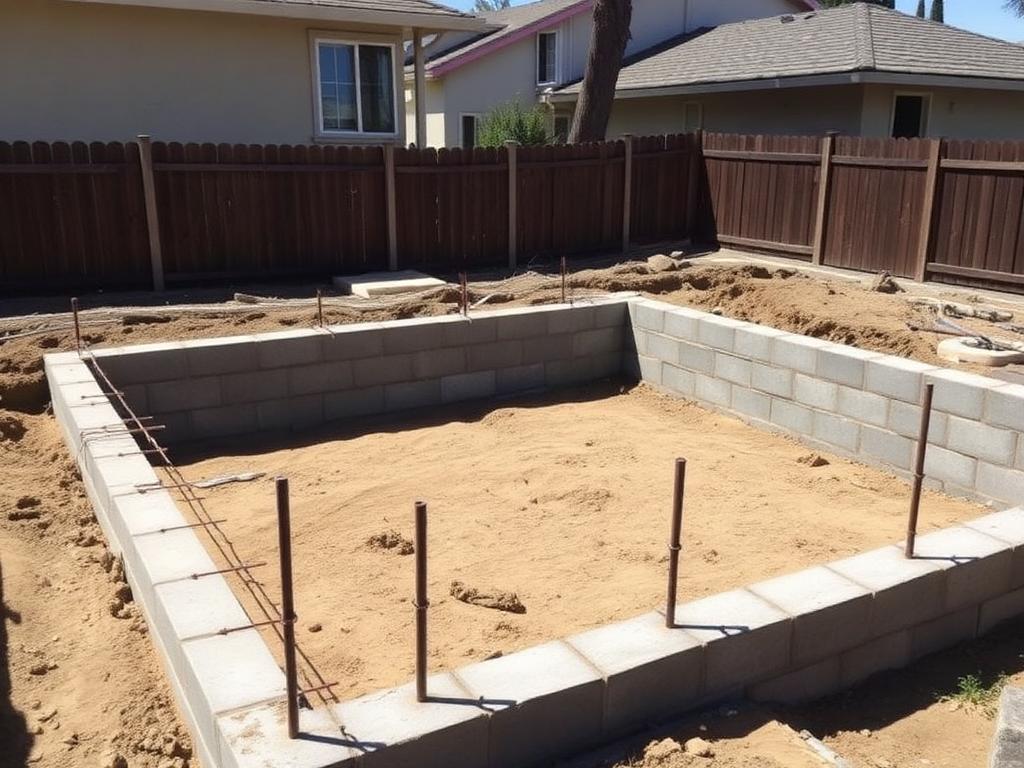

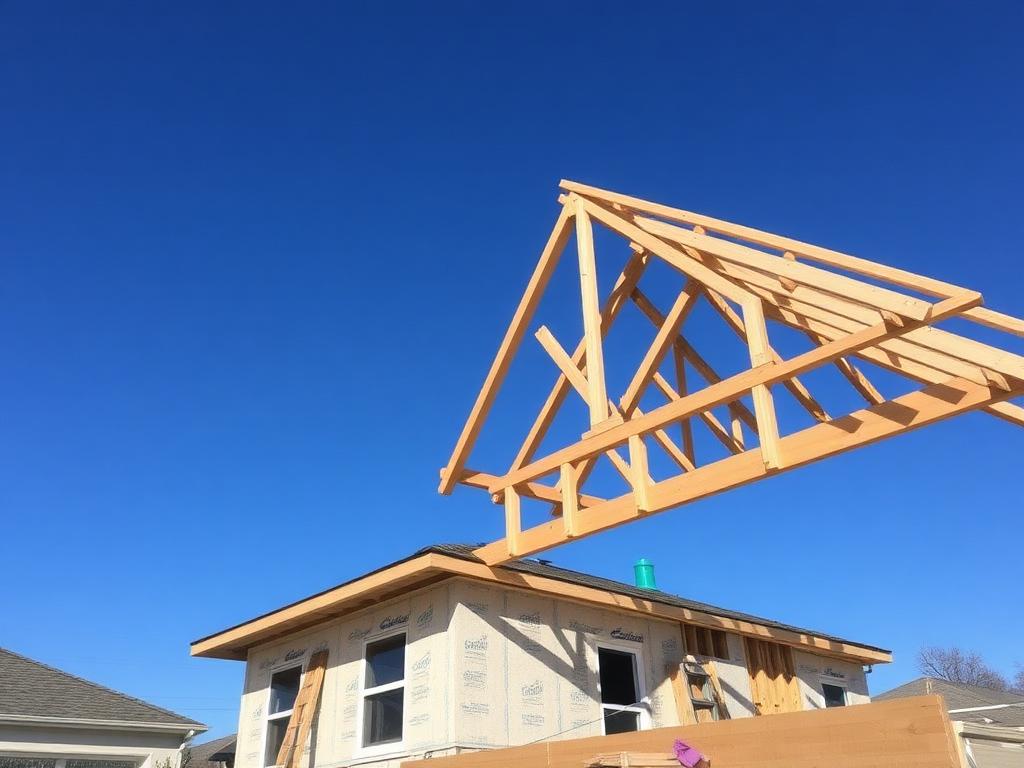
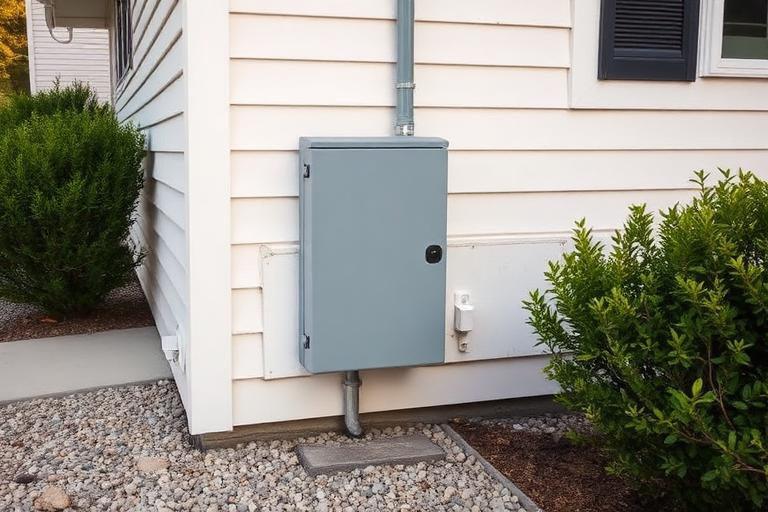
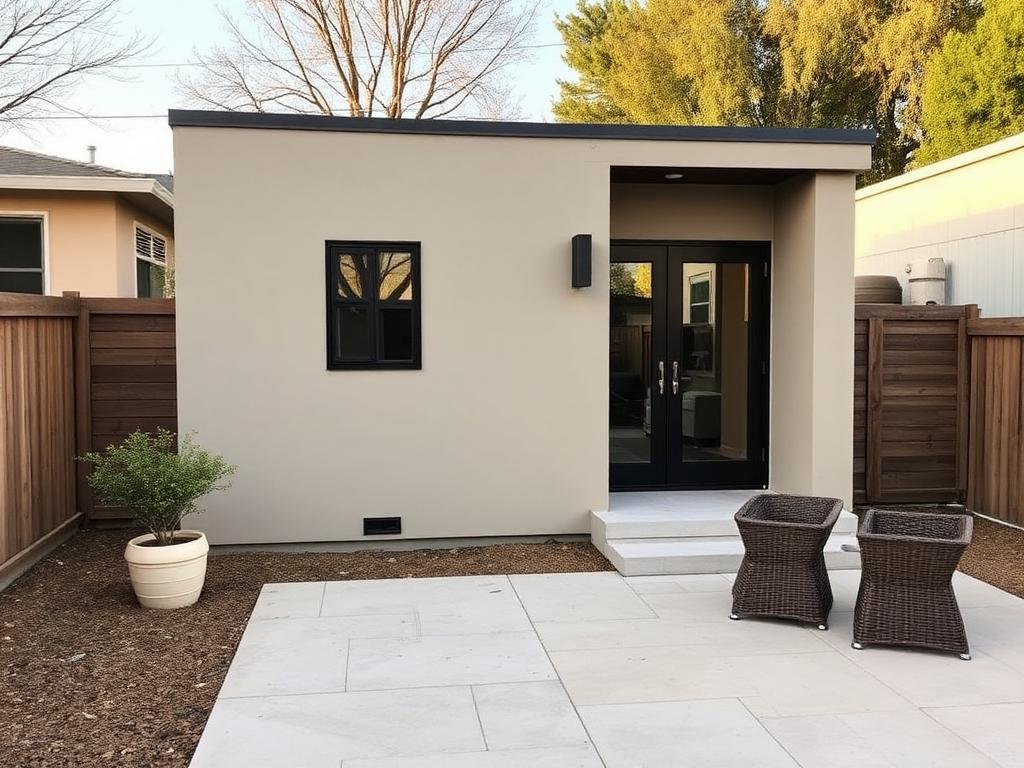
UPLOADING TO PROJECT BINDER
Everything you need to know
Everything you need to know about InQI. Can't find your answer? Get in touch.
What is InQI?
InQI is an AI platform for the AEC industry and homeowners. Enter any US address or Assessor's Parcel Number (APN) and InQI reads up to 2.2 million data points — distilling them into ~500 verified facts your agents use to generate site plans, check compliance, and build cost estimates.
InQI is an AI platform for the AEC industry and homeowners. Enter any US address or Assessor's Parcel Number (APN) and InQI reads up to 2.2 million data points — distilling them into ~500 verified facts your agents use to generate site plans, check compliance, and build cost estimates.
Start with your address.
Sign up free and see what InQI knows about your next project in seconds.
More IQ Agents coming. Sign up to get early access.