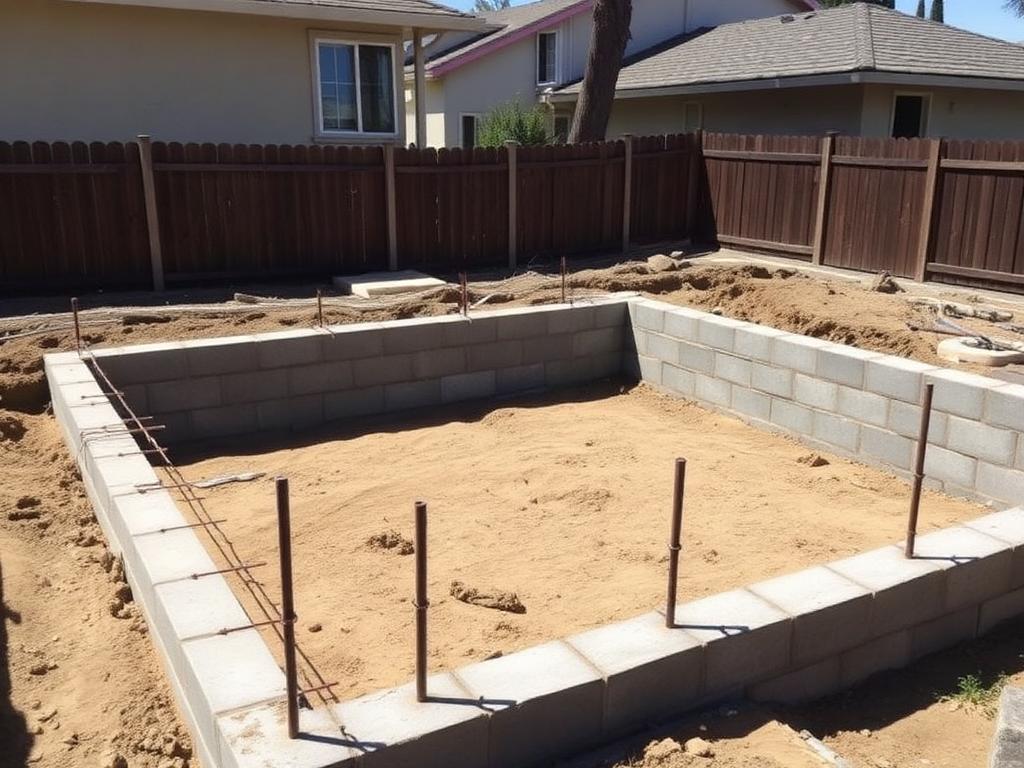
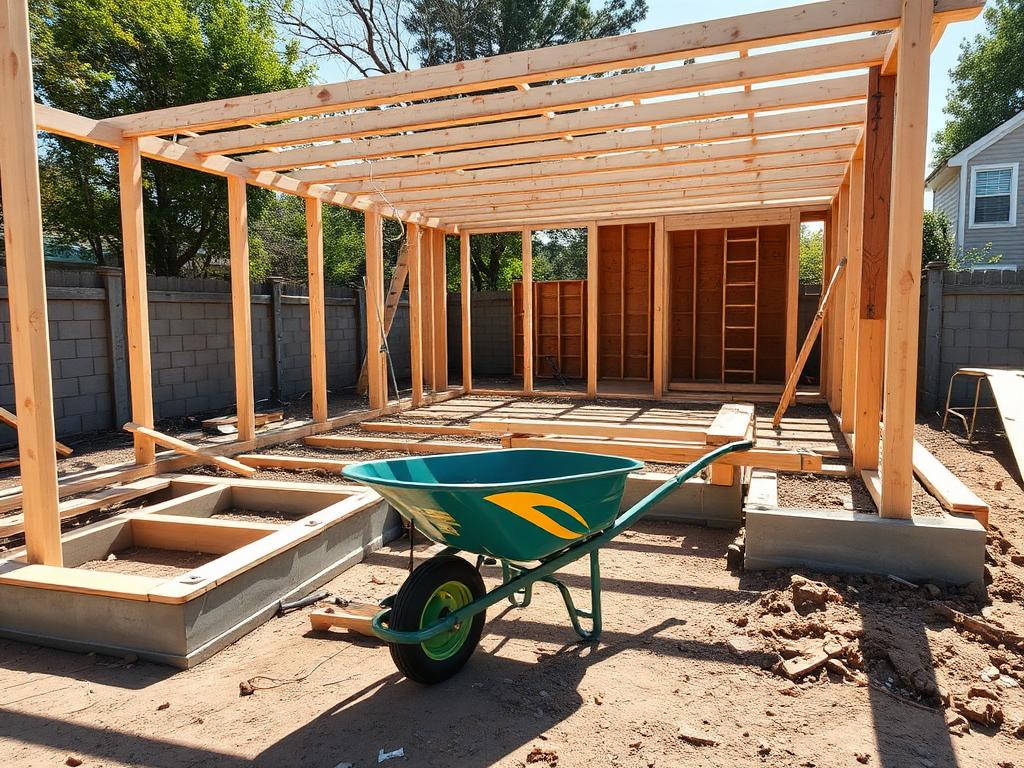
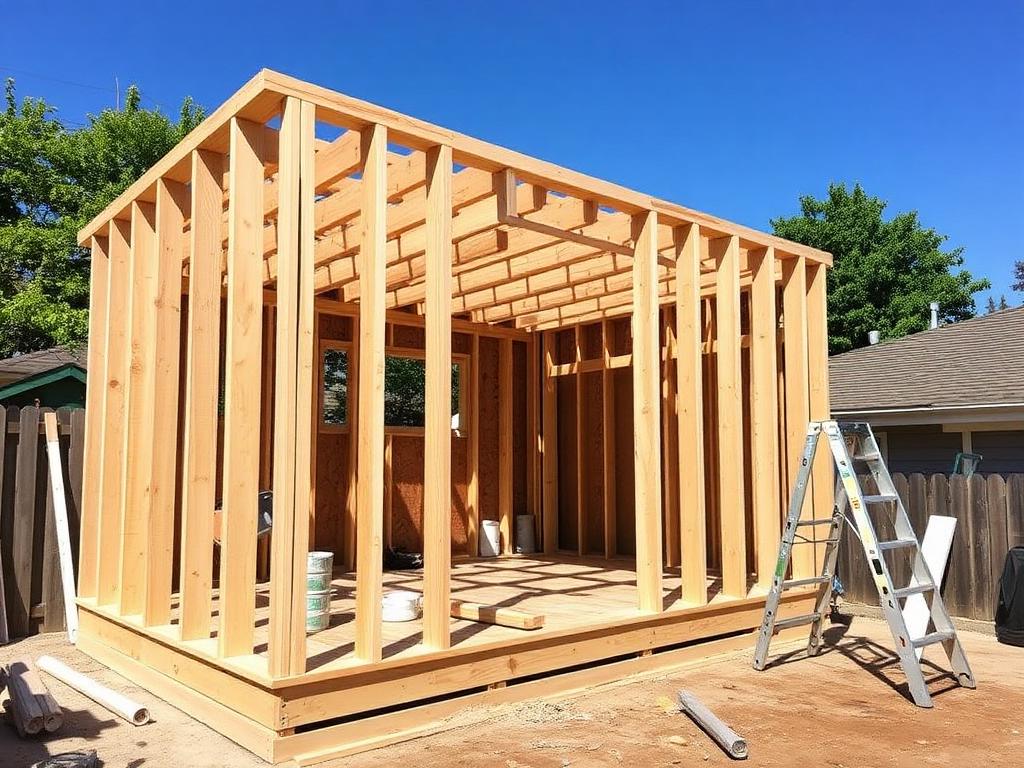
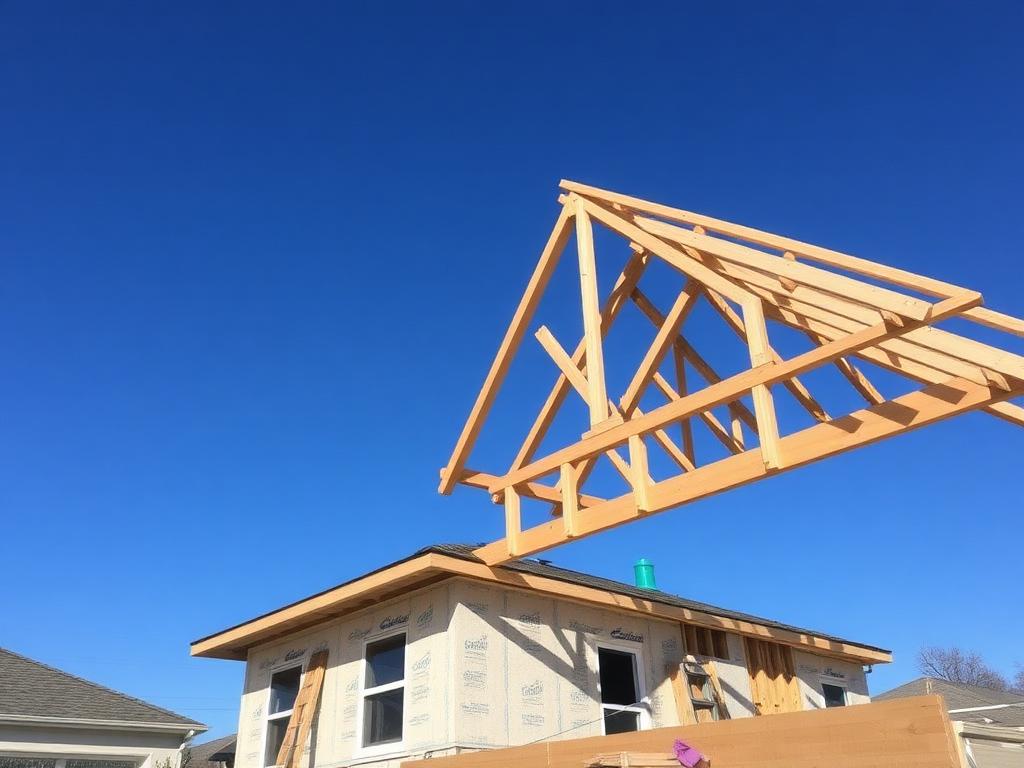
Open the InQI app on-site and it detects your project automatically. Capture photos offline, and every image syncs straight into your project's media library — GPS-tagged to the address.
Jack Smith
110 University Drive, Palo Alto
Active projectRecent captures
Queued as you shootJack Smith — Media library
110 University Drive, Palo Alto
From arriving on-site to a synced project record — InQI handles everything in between.
 Active project
Jack Smith
110 University Drive, Palo Alto
Document, locate, annotate, and access your project — all from the job site.
 Capture · 9:41 AM
Location on site
37.4419° N, 122.1430° W · ±3 ft
Not just the address. Exactly where on-site.
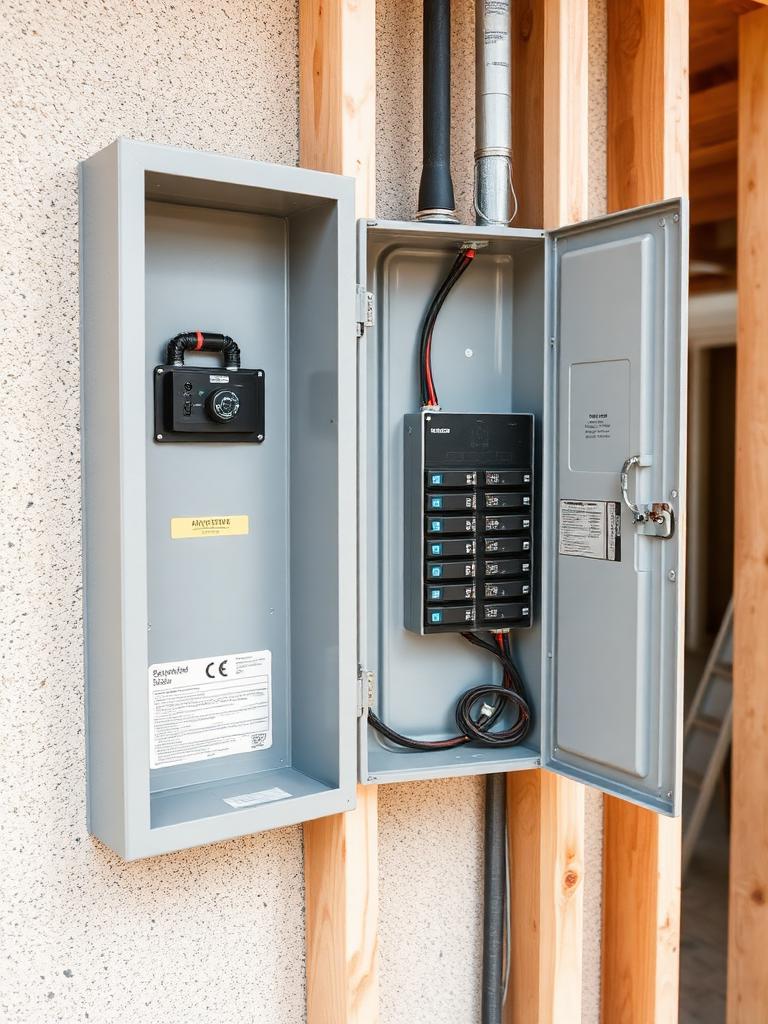
Every capture is tagged to its precise location within the site. Shoot the electrical panel, the foundation crack, the framing detail — and know exactly where to find it later. No guessing, no “I think it was near the back.”
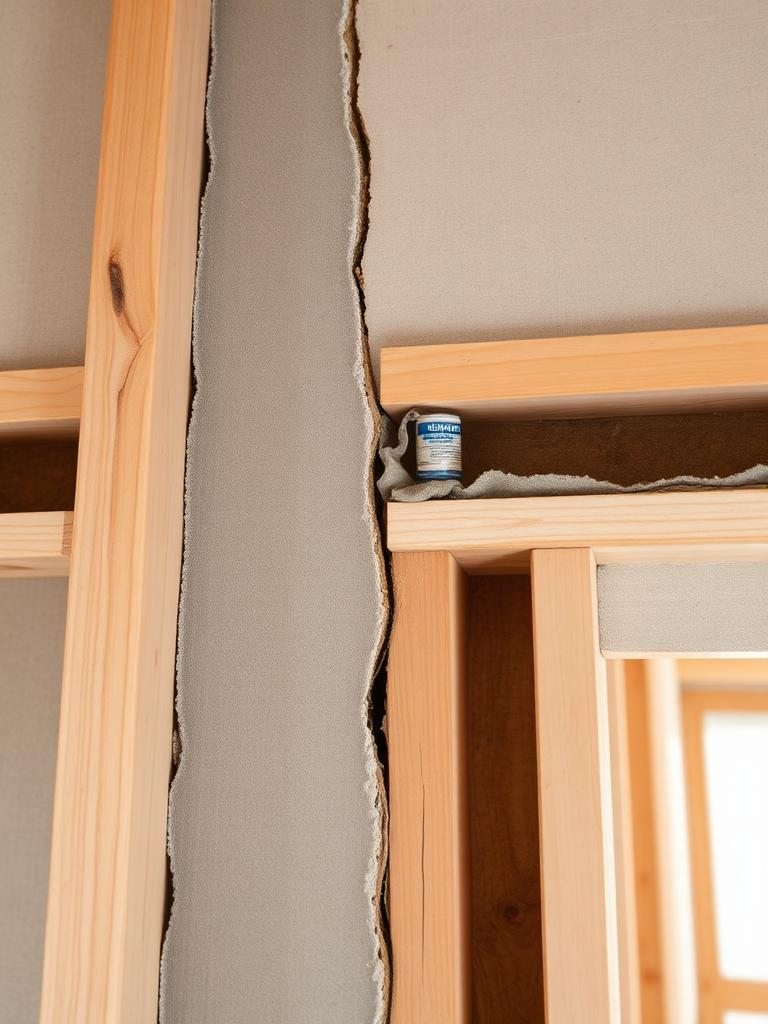
Check this before drywall
Added by you · Today 9:42 AM
Mark it up before you leave the site.
Flag issues, add notes, draw attention to problem areas — directly on the photo, tied to the capture and its location.
110 University Dr
Palo Alto, CA
Your whole project. In your pocket.
Open your Binder, review exports, check project details — everything InQI holds, available from your phone on-site.
Why it matters
When something goes wrong — a dispute, a warranty claim, an inspection — you need to know what was done, where, and when.
Not approximately. Exactly.
InQI ties every photo, document, and note to a project address from the moment it's captured. No more chasing files. No more reconstructing timelines.
typical contractor record-keeping requirement
everything tied to the project location
no manual organizing, ever
InQI mobile works for anyone who steps foot on a job site.
Get started
GPS-aware. Offline-ready. Everything tied to the address — from the first photo to the final inspection.
Can't find your answer? Email us at info@inqi.ai
The InQI mobile app is a field capture tool for construction and renovation projects. Use it on-site to take GPS-tagged photos and video, annotate captures, and sync everything directly to your project's Media tab — no manual filing, no camera roll hunting.
The InQI mobile app is a field capture tool for construction and renovation projects. Use it on-site to take GPS-tagged photos and video, annotate captures, and sync everything directly to your project's Media tab — no manual filing, no camera roll hunting.