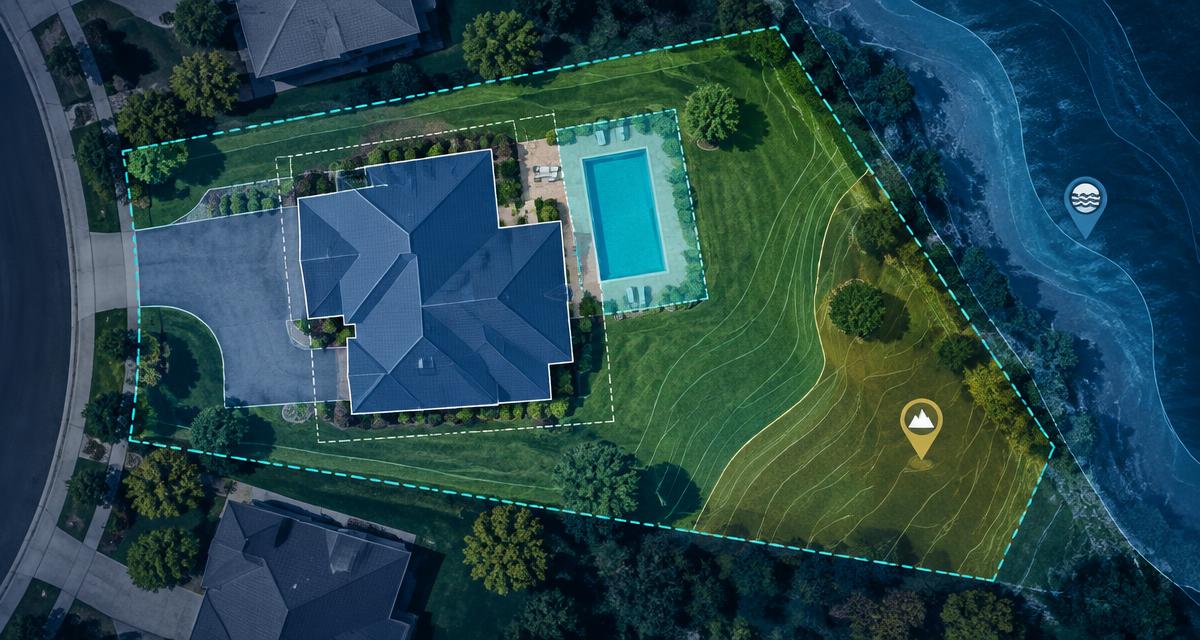
Construction photo documentation is a dated, located photo record of a project from existing conditions to closeout: the site before work starts, each phase before it gets covered, and anything that changes along the way. Good documentation follows a shot list, repeats the same angles every visit, and files each photo to the project the moment it's taken. Plan the walk first on the project's site plan, a scaled drawing of the lot you can get from its address or Assessor's Parcel Number (APN). It shows where to stand, what's worth a photo, and gives the whole team the same names for every part of the lot.
Key takeaways
- Shoot to a list: existing conditions, each phase before it's covered, weather and site events, inspections and changes, and closeout.
- Plan the walk on the site plan: fixed photo stations, the same angles each visit, and names everyone understands.
- Filing is where most photo records fail. Capture into the project on site, not into a camera roll you'll sort later.
Start every project from its address or APN, with a scaled site plan.
Sign up for freeWhy does construction photo documentation matter?
Photos are the cheapest record a project has. They show the owner what happened between visits, help subs coordinate, show what's inside a closed wall, and back up change orders and disputes. They only help if someone can find the right one later.
Why plan a site walk on the site plan?
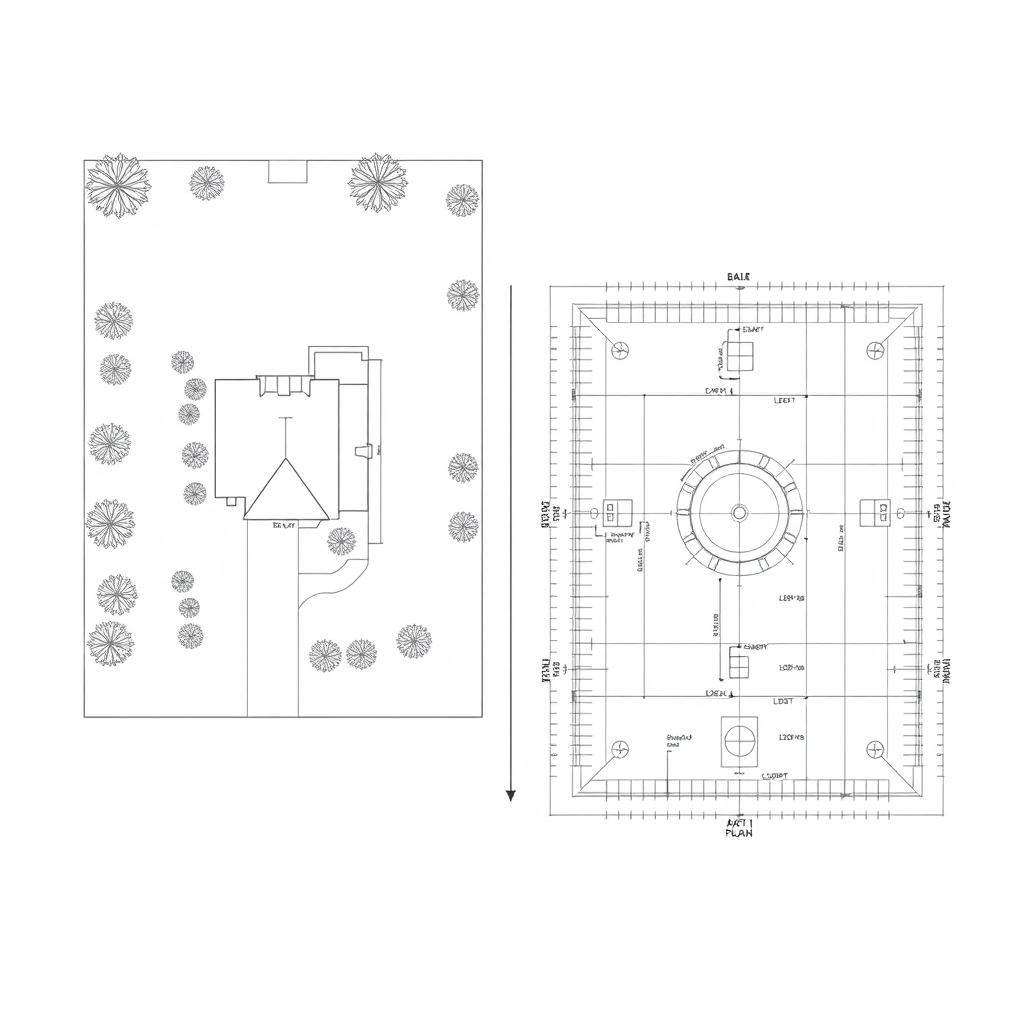
A site plan is drawn to scale, with the property line, the structures, trees, hardscape and the work area. On a site walk it does three jobs:
- It sets your photo stations. Mark four to eight fixed spots on the site plan (the lot corners, each face of the building, the work area) and shoot from them every visit, so progress photos line up over time.
- It gives everyone the same names. "North side yard" or "rear setback" means the same thing to the PM, the designer and the owner when it's labeled on the plan.
- It shows what's worth a photo. Setback lines, drainage paths, the utility side of the house and tree protection zones are where questions come up later.
No site plan yet? A Generative Site Plan from InQI builds one from the address or APN, with the property line, structures, trees and hardscape traced from aerial imagery and parcel data. It's scaled for planning, not a legal boundary survey (site plan vs. property survey). Prepping the first visit? Start with the site analysis checklist.
The construction photo documentation checklist, stage by stage
| Stage | What to capture | Why it matters |
|---|---|---|
| Existing conditions | Every face of the house, the lot from each corner, trees, fences, the driveway, curb and sidewalk | Shows what was already there, including cracks and damage |
| Site work and foundation | Utility locate marks from your 811 request, excavation, footings, rebar and under-slab lines before the pour | Most of it is buried within days |
| Rough-in, before cover | Framing, plumbing, electrical and HVAC runs, blocking, insulation before drywall | The only record of what's inside the walls |
| Weather and site events | Standing water, erosion, storm damage, deliveries and their condition | Shoot the same day, with a note on what happened |
| Inspections and changes | Inspection tags, corrections, anything built differently from the plans | Pair every photo with a short note |
| Closeout | Finished work, equipment labels and serial plates, the restored site | Becomes the owner's long-term record |
IQ Agents handle the research. You handle the project.
Sign up for freeHow do I take construction progress photos that are useful later?
- Shoot from fixed stations. Same spots, same order, every visit.
- Go wide, then close. A close-up alone rarely shows where it was taken.
- Add scale. A tape measure or a known object in the frame shows size.
- Write the note on site. What it is and why it matters, while you're standing there.
- Capture into the project. A dated, located photo filed to the right project beats a perfect photo lost in a camera roll.
- Shoot before it's covered. Once the drywall goes up or the concrete is poured, the chance is gone.
What should a construction site photo app do?
- File each photo to the right project by location, so nobody picks folders.
- Work without signal: basements, rural lots, dead zones.
- Keep notes attached to the photo they describe.
- Let the whole team capture into one project, next to its plans and reports.
Example: a rear addition, documented from one site plan
Here's how it can play out (illustrative example):
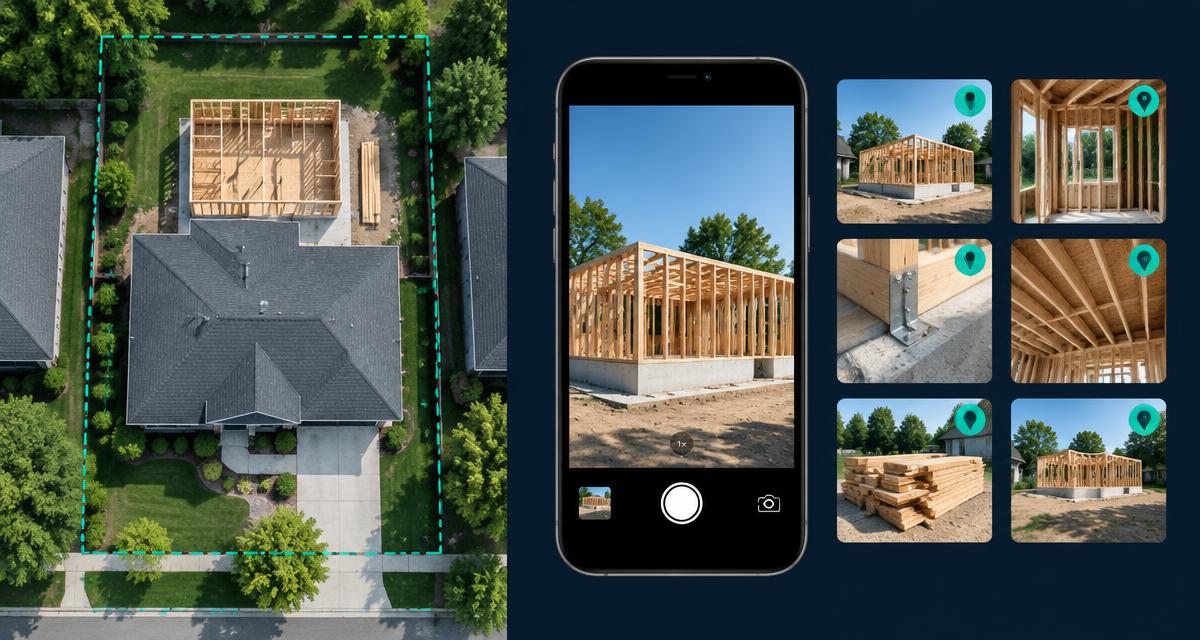
- The plan. A builder's PM opens the project's site plan, made from the address, and marks six photo stations: the four lot corners, the addition footprint and the side yard where water collects.
- The walks. Every visit, she shoots the stations first, then what's new: footings before the pour, the rough-in before insulation, the swale after a storm.
- The filing. The InQI Mobile App detects the project by GPS. The crawl space has no signal, so the photos sync on their own once she's back at the truck, each one dated and located in the project's Media tab.
- The question. Weeks later, the owner asks what's behind the kitchen wall. The rough-in photos are in the project's Media tab, under that visit's date.
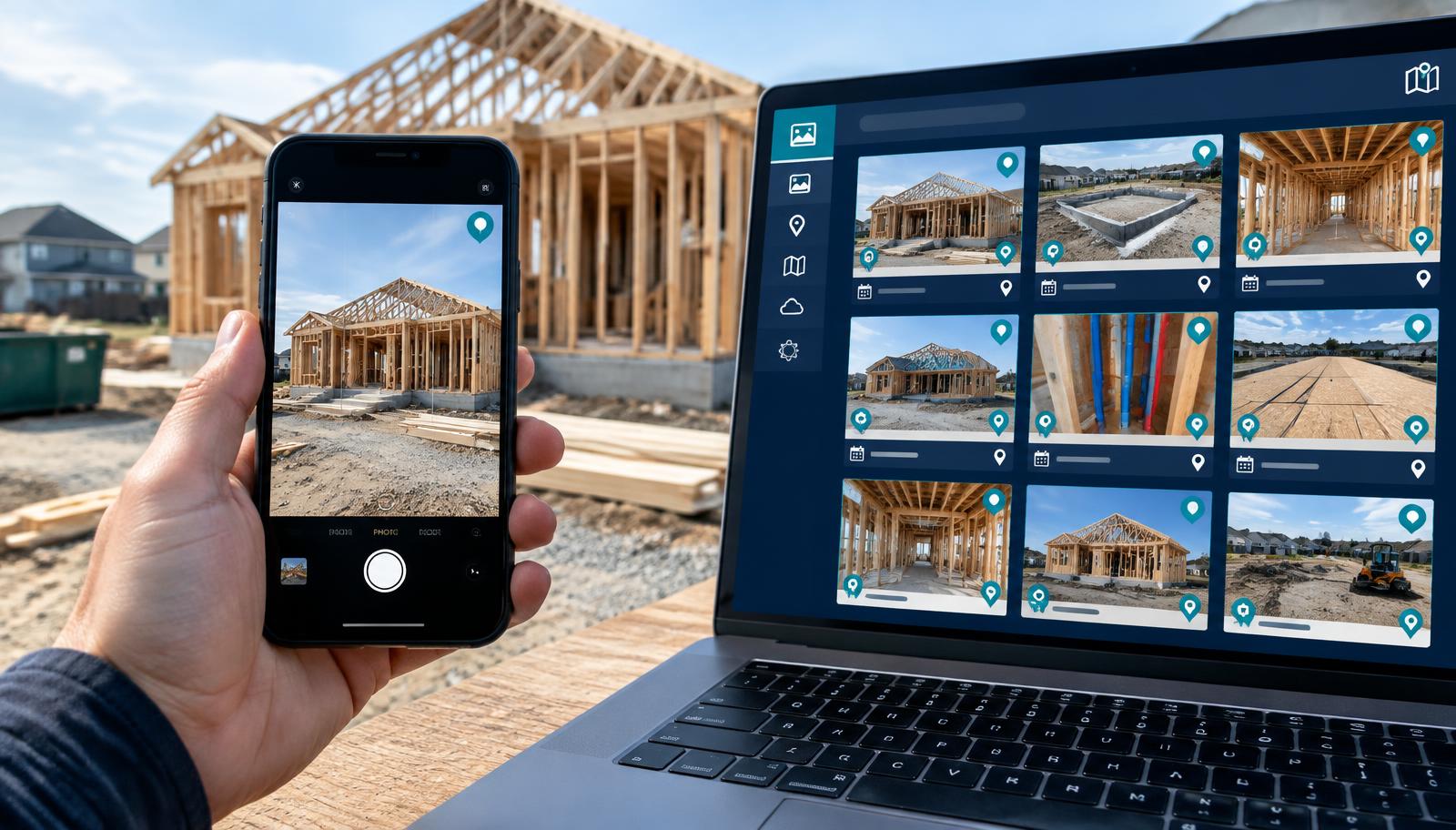
Set up the project from its address or APN, then capture on site.
Sign up for freeHow does the InQI Mobile App file site photos?
InQI (inqi.ai) is an AI platform for AEC professionals and homeowners that starts every project from an address or APN. The InQI Mobile App is that project's field side:
- GPS project detection. Open the app on site and it detects the project. Each capture is tagged with where it was taken.
- Offline capture. Photos, tags and notes save on the phone without signal and sync when it reconnects.
- Notes on the photo. Pins, notes and comments stay tied to each capture.
- Media tab. Every capture lands in the project's media library, dated and linked to the project address.
- Unlimited users. PMs, subs, designers and owners can all capture into the same project.
- Binder and exports on site. With the latest app update, the project's Binder and exports open on your phone, so the plans and reports come along on the walk.
What can't site photos prove on their own?
- What the rules require. Photos don't replace inspections or the records your contract asks for. Always confirm final requirements with your local building department.
- Exact measurements. A tape in the frame shows scale, not a measured drawing.
- Pinpoint location. Phone GPS can be off by several meters indoors or near tall walls, so the note still matters.
Frequently asked questions
Plan the walk on the site plan. File it from the site.
Enter an address or APN, get a scaled plan of the lot, mark your photo stations, and let every field photo land in the project on its own.
Get the site plan, then let the photos file themselves.
Sign up for free